When you want to optimize your website for search engines, of course you need a tool, with a proper dashboard, with all your history, position tracking etc. in one place.
However, it can be really handy to use a SEO browser extension that can show you data on the fly, while you are searching for keywords.
Ubersuggest’s extension for Chrome is one such useful browser extension for SEO.
You can simply install the Ubersuggest extension from the Chrome store and start using it to do keyword research for free.
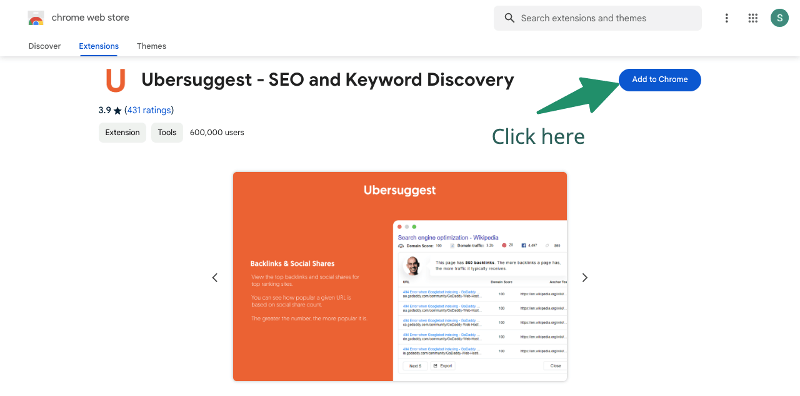
Ubersuggest Extension for Google Chrome
After you install the Ubersuggest extension and enable it, when you search for anything using Google, YouTube, or Amazon, you will see key metrics for your keywords, alongside the search results.
The Ubersuggest Chrome extension has daily limits that can be increased by signing up for a free or premium Ubersuggest account.
This Chrome extension by Ubersuggest is quite useful, in that it doesn’t require you to login to the tool but shows you data as you perform your organic searches.
Read this detailed post for more on how to use the Ubersuggest Chrome Extension to do keyword research.
Leave a Reply